TRAINING CONTEXT
Real-Time Product Learning with Quick SKU
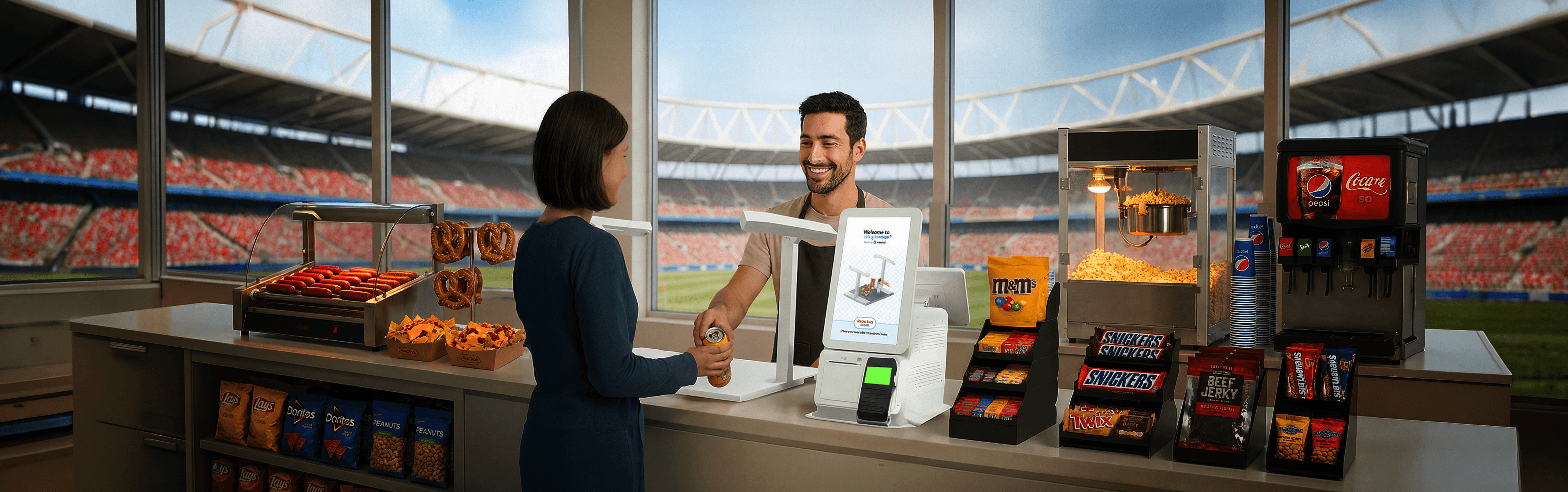
In a computer-vision powered checkout system, every product needs to be trained before it can be recognized.
Traditionally, this process was slow, vendor-dependent, and rigid.
THE INSIGHT
Complications with the product
Change packaging
Get introduced seasonally
Vary across locations
The system must absorb these shifts in real time while maintaining speed, accuracy, and continuity.
DISCOVERY
What was needed:
A way to teach the system on-site — without retraining everything
HOW IT WORKS
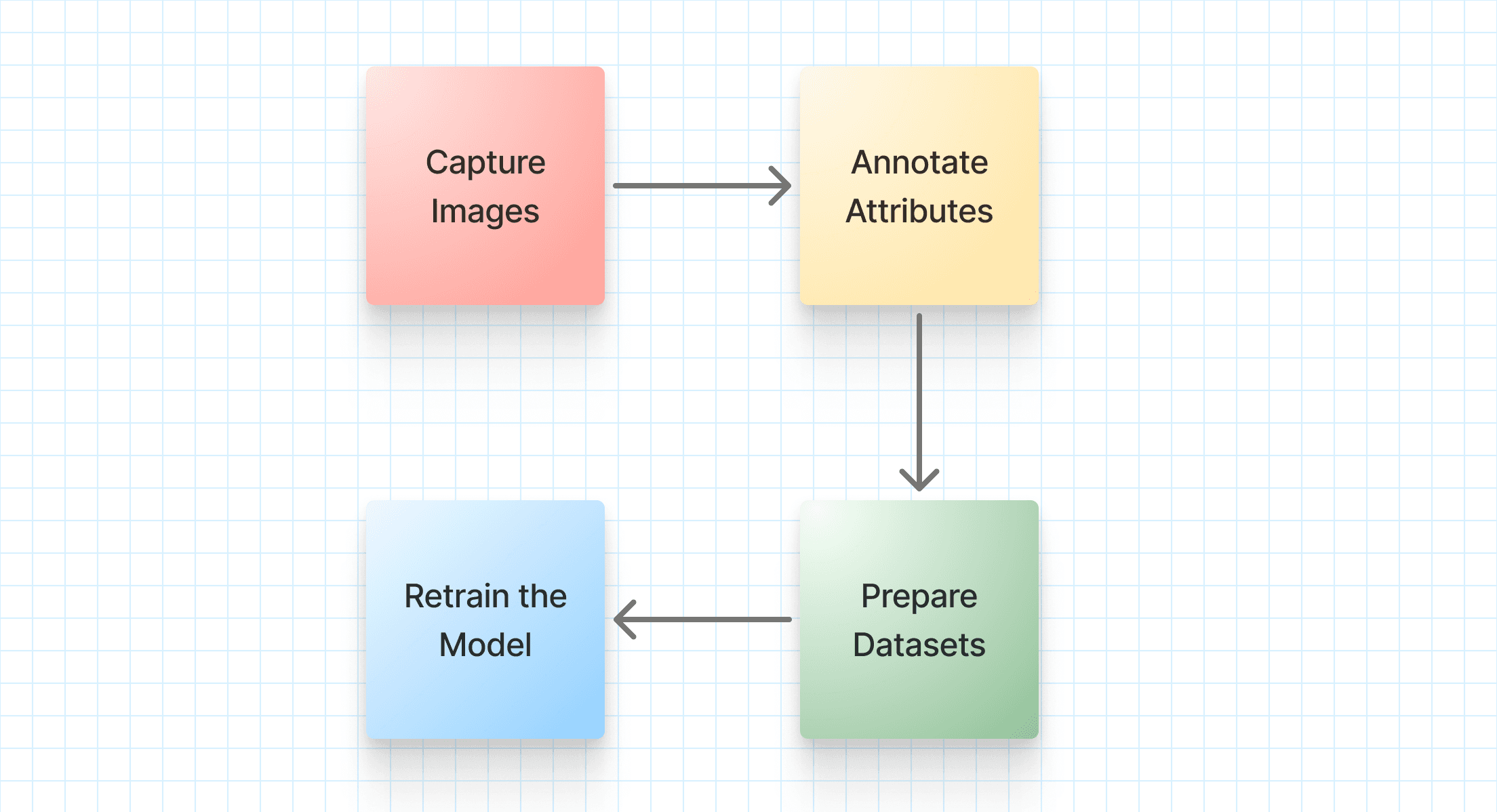
Quick Flow for understanding the working of QuickSKU
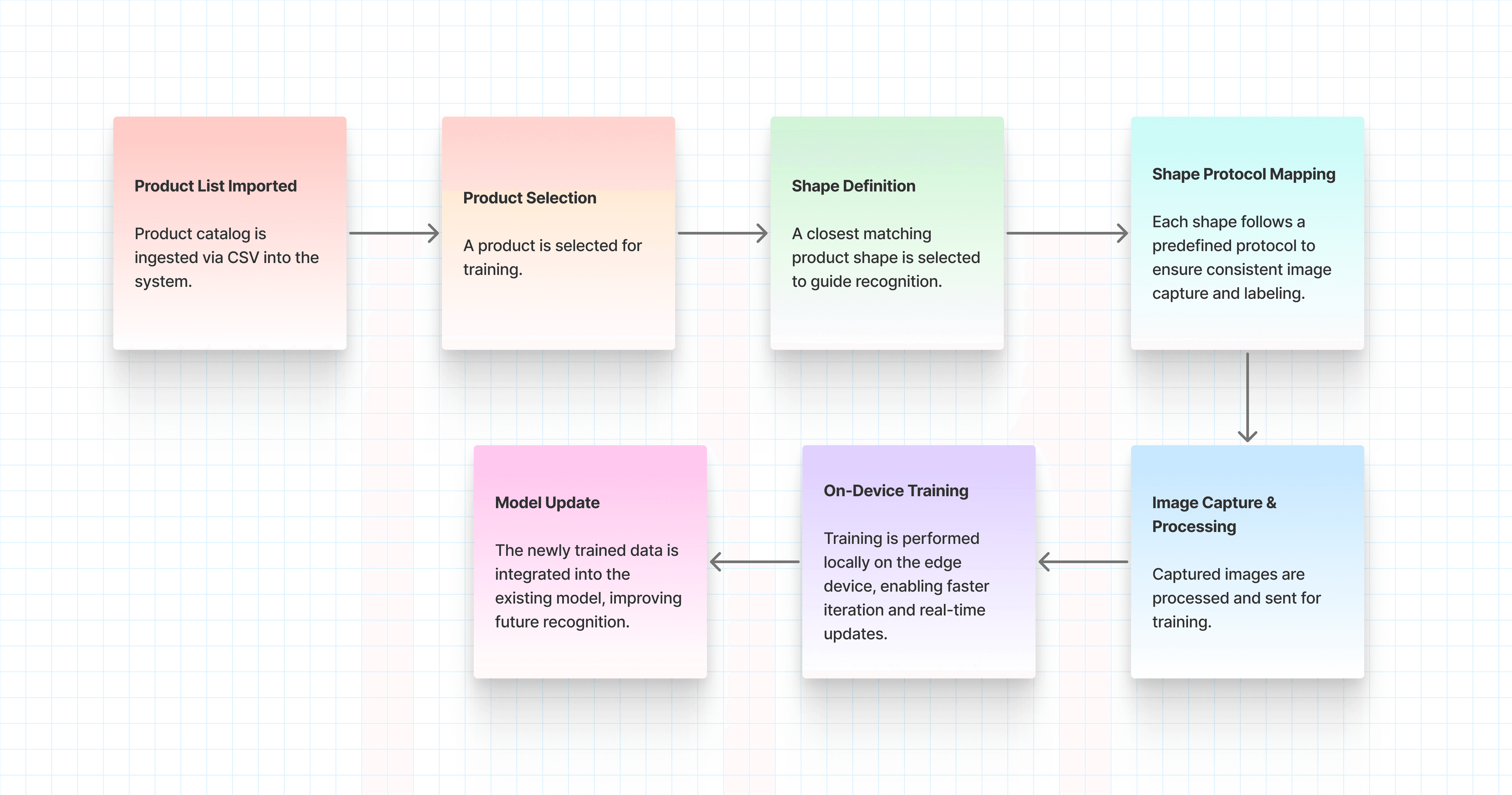
Quick SKU becomes especially effective when new products are introduced in batches (typically 15+), where traditional retraining would otherwise slow operations.
The flow below illustrates how products are captured, assigned, and learned directly within the system, enabling continuous training without disrupting checkout.
DISCOVERY
Before defining the problem, our Head of Sports & Entertainment (VP) shared live stadium insights on where checkout slowed down.
These revealed structural constraints that outlined the problem statement
FINAL DESIGNS
Design implementation that feels immediate
For Quick SKU, the implementation was designed to feel simple, guided, and operationally lightweight. Since the primary users are store managers and cashiers who already know the inventory, the experience focuses on fast image capture, clear system guidance, and minimal decision fatigue. From camera feed selection to product submission, every step was structured to help users move quickly and train new items without interrupting store operations.
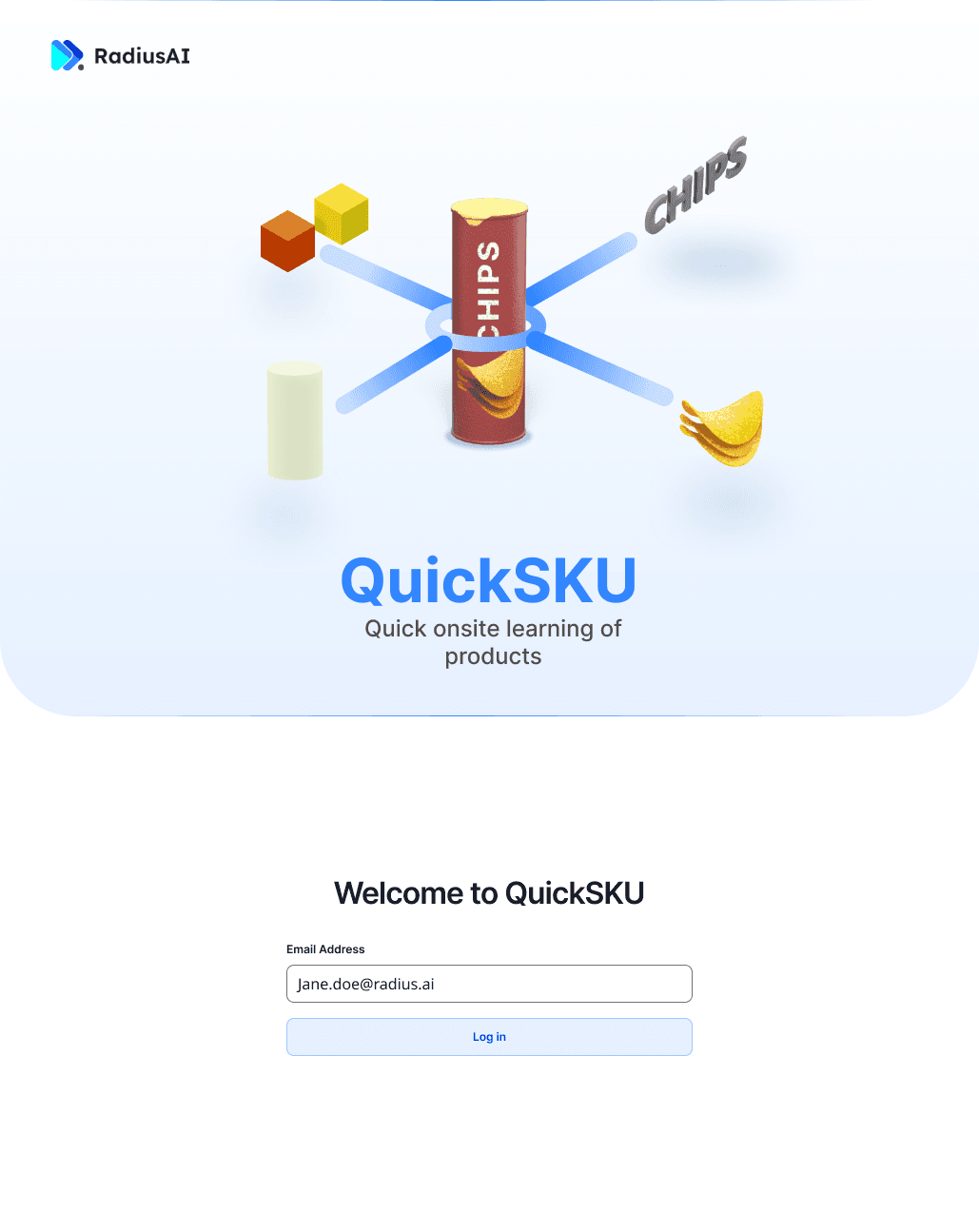
Login
Store managers, cashiers, and admins can securely log in to access Quick SKU.
Start with identity. Enter your registered email to initiate a fast, low-friction login flow.
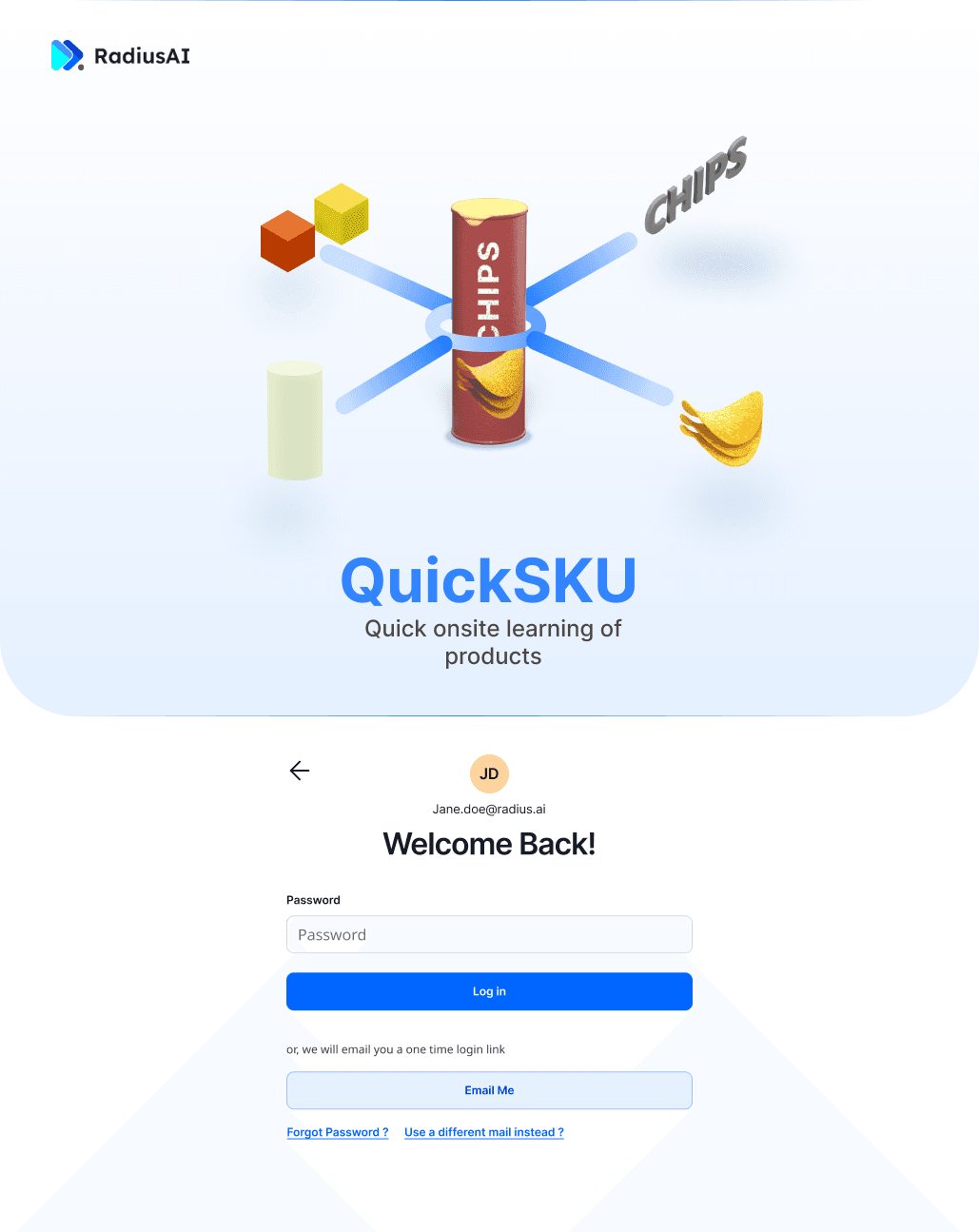
Password / Login Options
Flexible authentication. Log in using your password or switch to a one-time email link for quicker access.
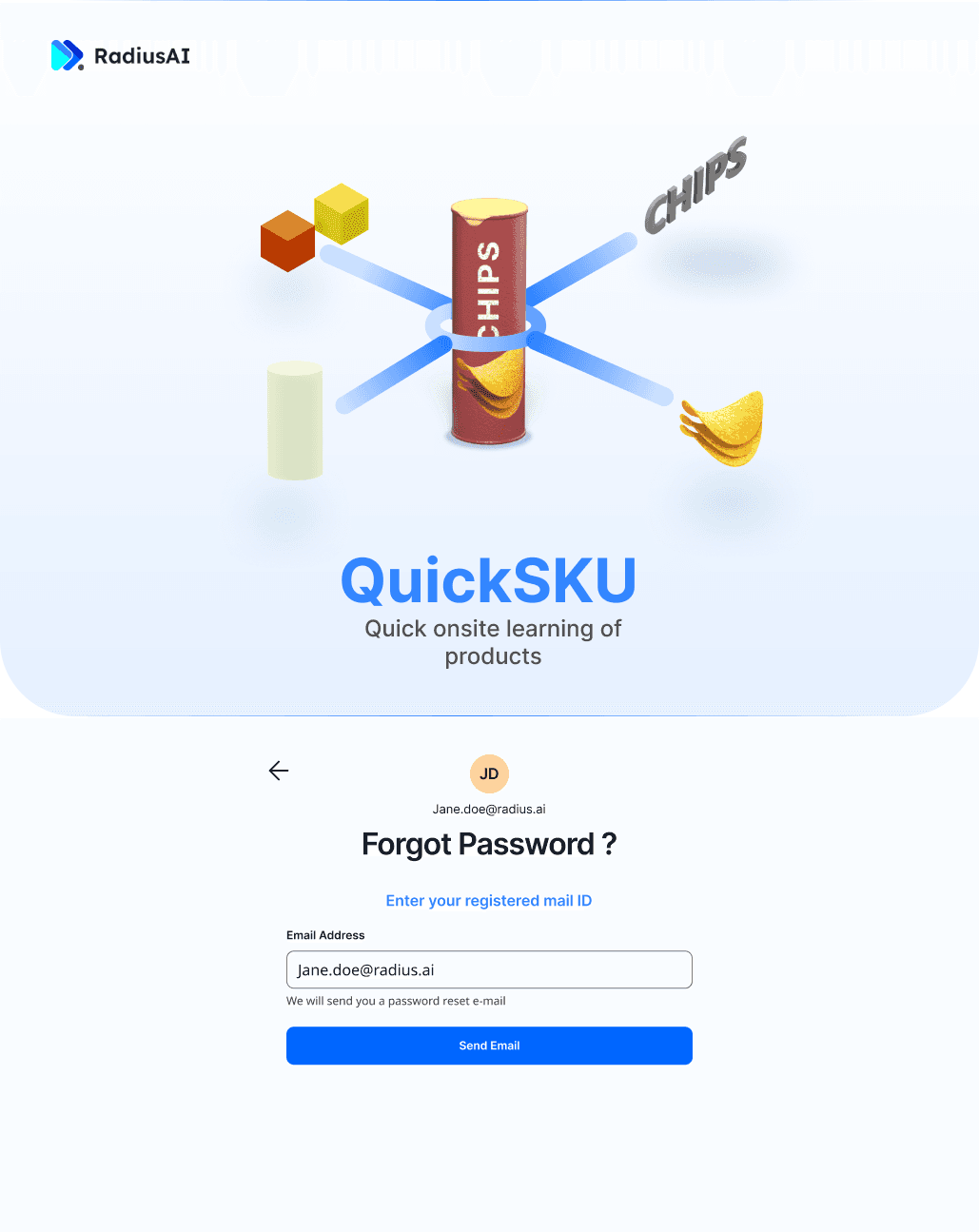
Forgot Password
Recover instantly. Trigger a password reset using your registered email to regain access without delays.
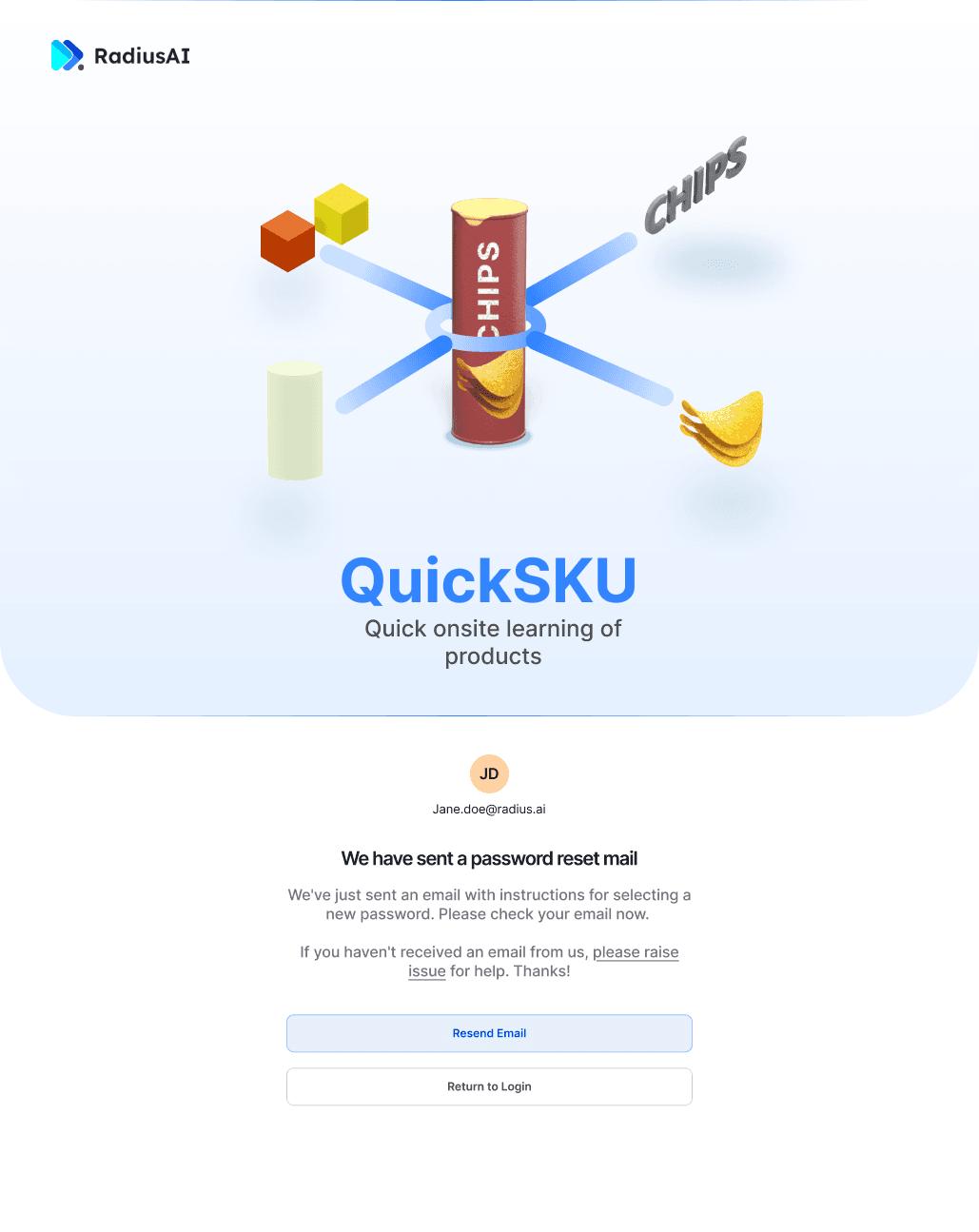
Reset Confirmation
Request confirmed. Follow the email instructions to securely reset your password and return to the flow.
Users select products based on status, define shape, and begin training.
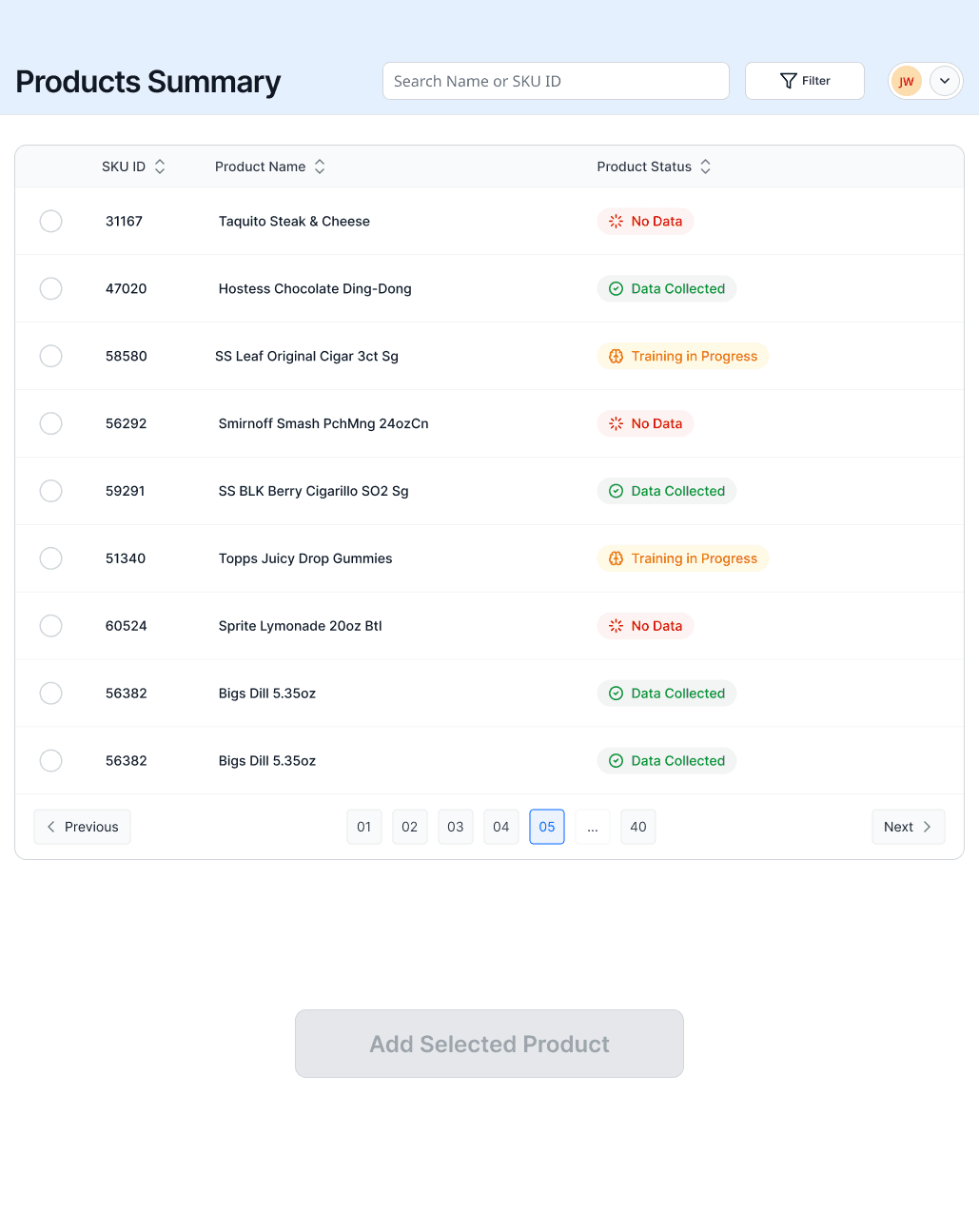
Product Summary (Selection Screen)
Scan before action. Review product status to identify gaps, track readiness, and select items for training.
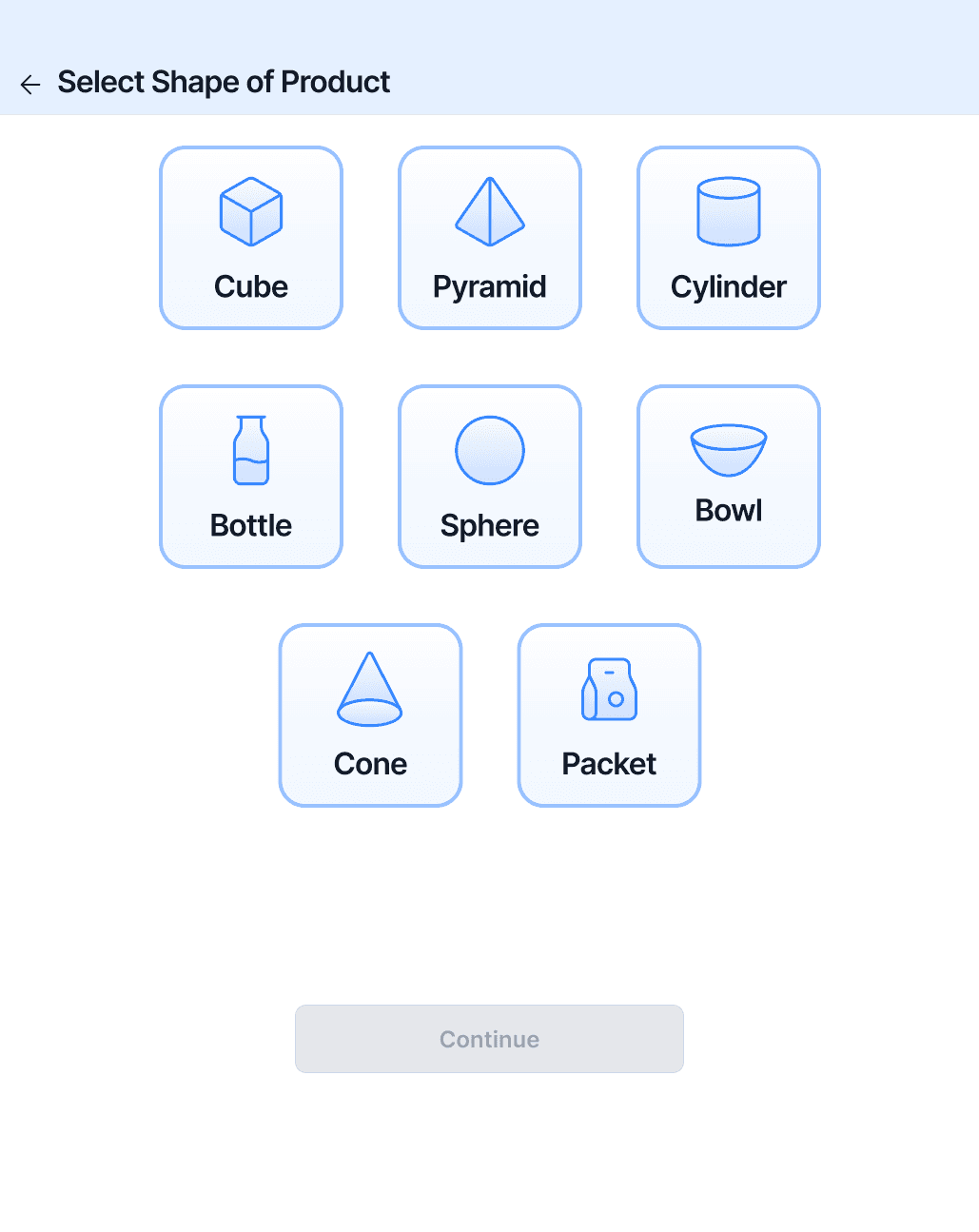
Shape Selection (Idle State)
Define the form. Choose the closest physical shape to guide accurate capture and model understanding.
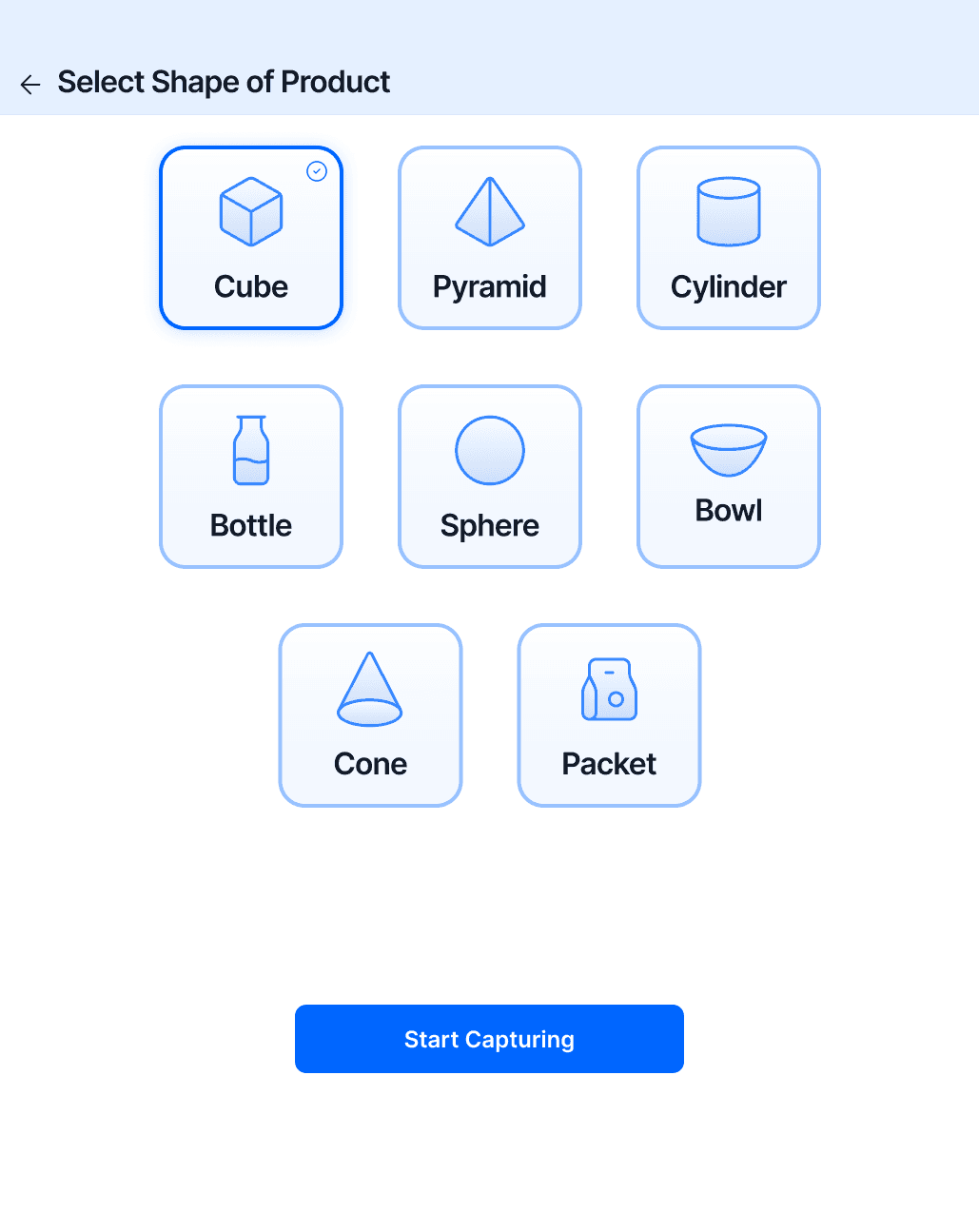
Shape Selected (Action Ready)
Ready to capture. Confirm the selected shape to initiate guided image capture for training.
Users are guided to place, capture, and validate products for training.
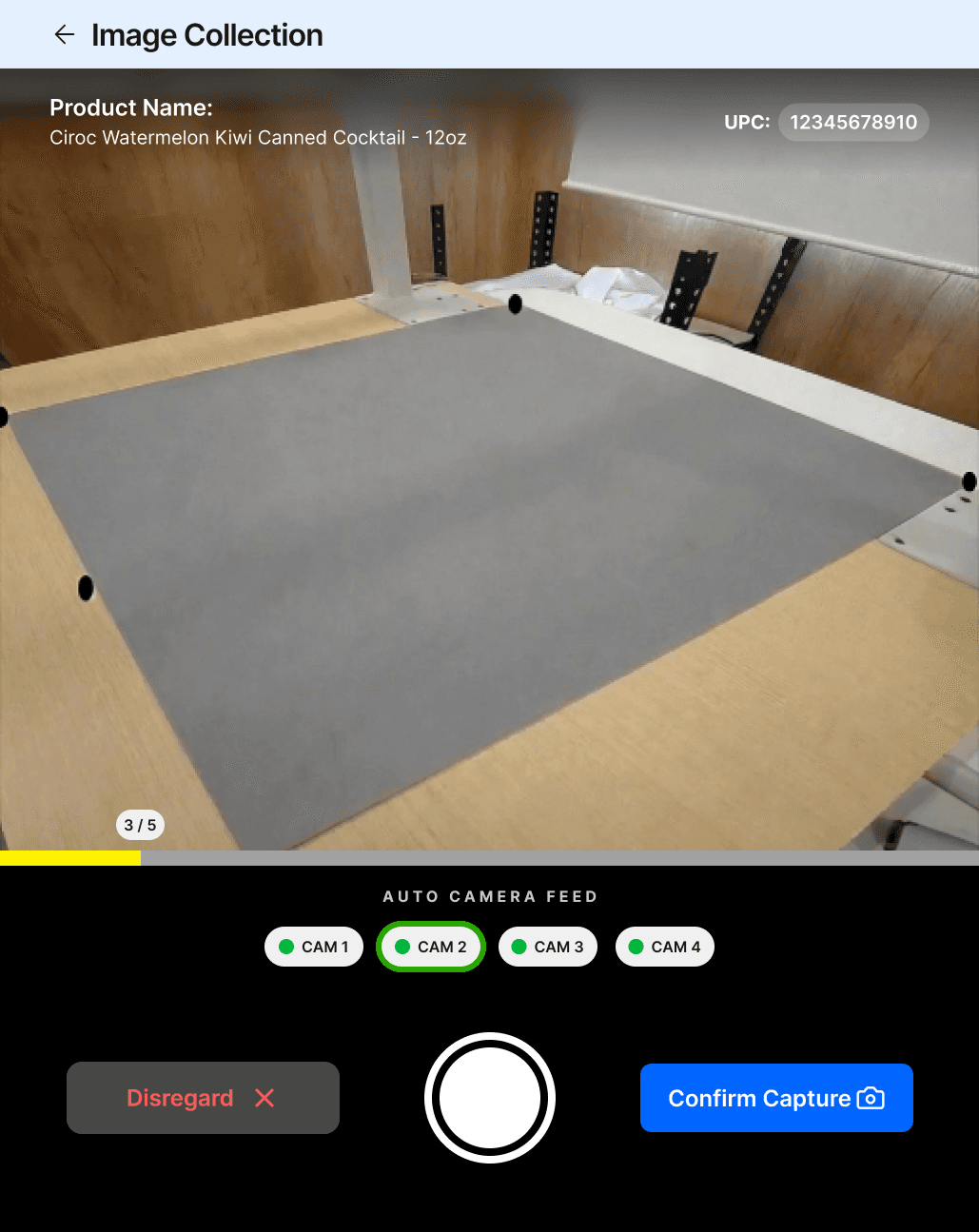
Image Collection (Empty State)
Prepare the stage. Auto camera feed initializes to detect the capture zone and guide placement.
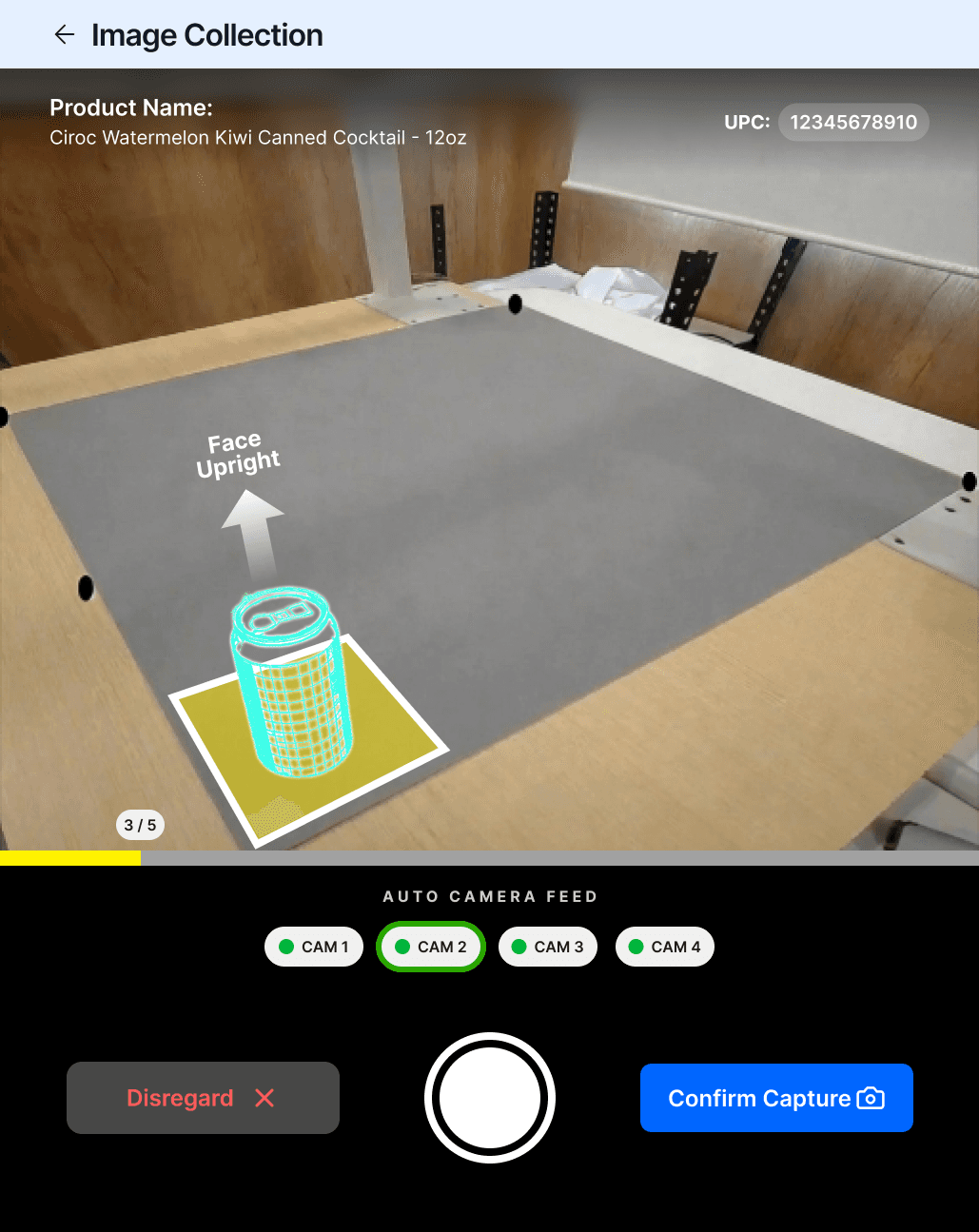
AR Guidance (Placement Assist)
Guided positioning. Overlay directs users to place and orient the product correctly for accurate capture.
Real Object Alignment (Validated Placement)
Aligned for capture. Product is positioned within the defined zone to ensure consistent and usable training data.
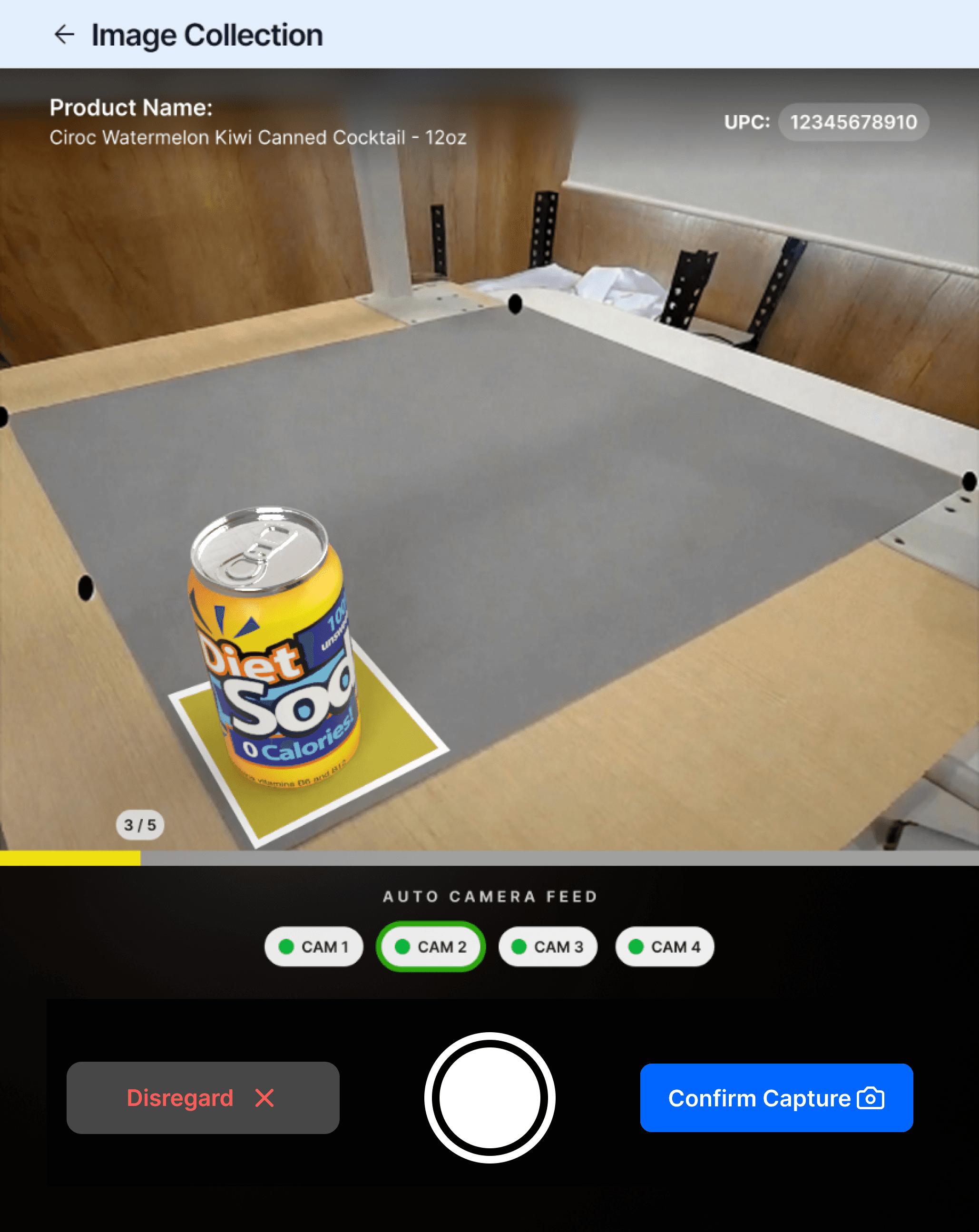
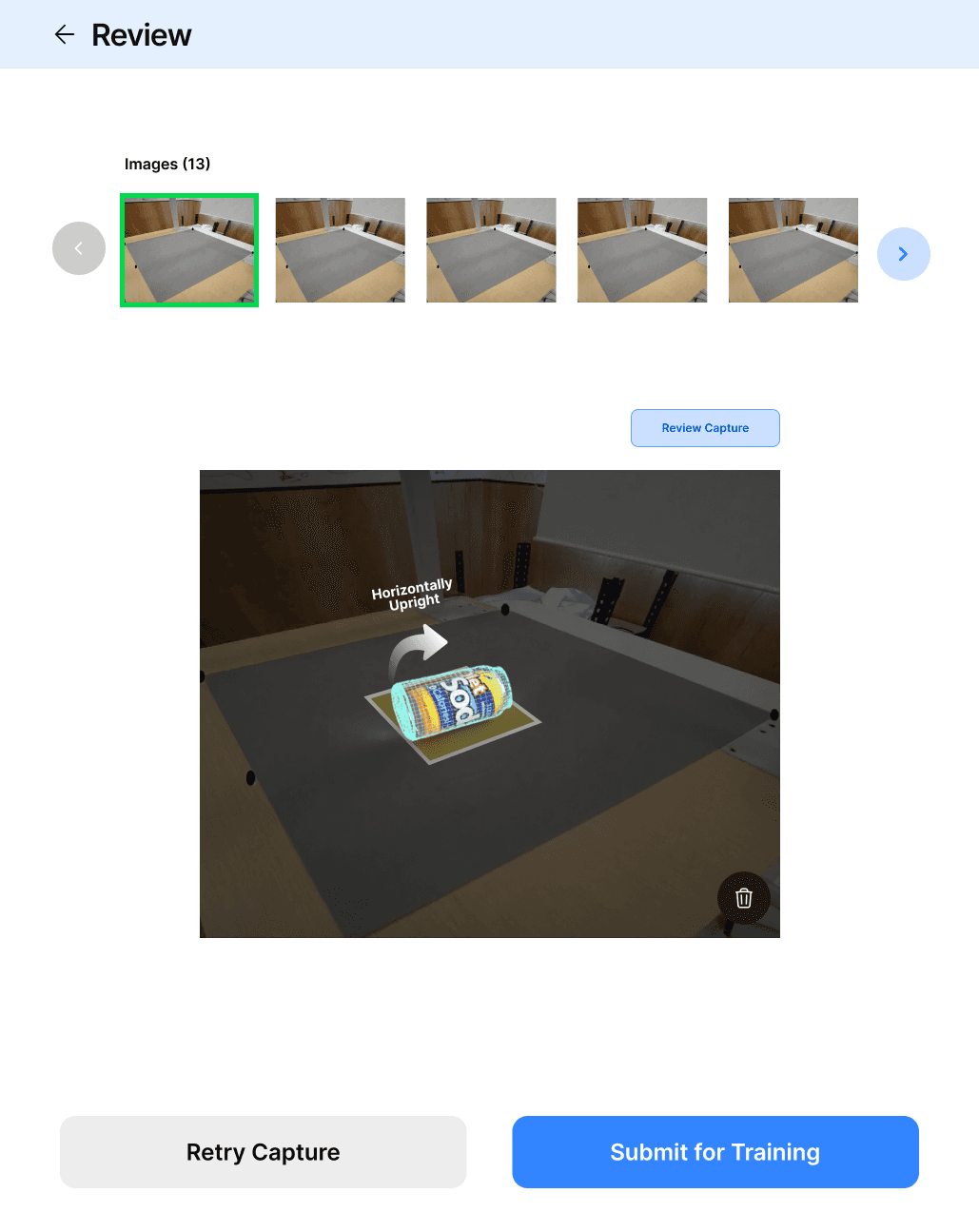
Orientation Variation (Multi-angle Capture)
Capture variability. System guides different orientations to build a robust, real-world ready dataset.
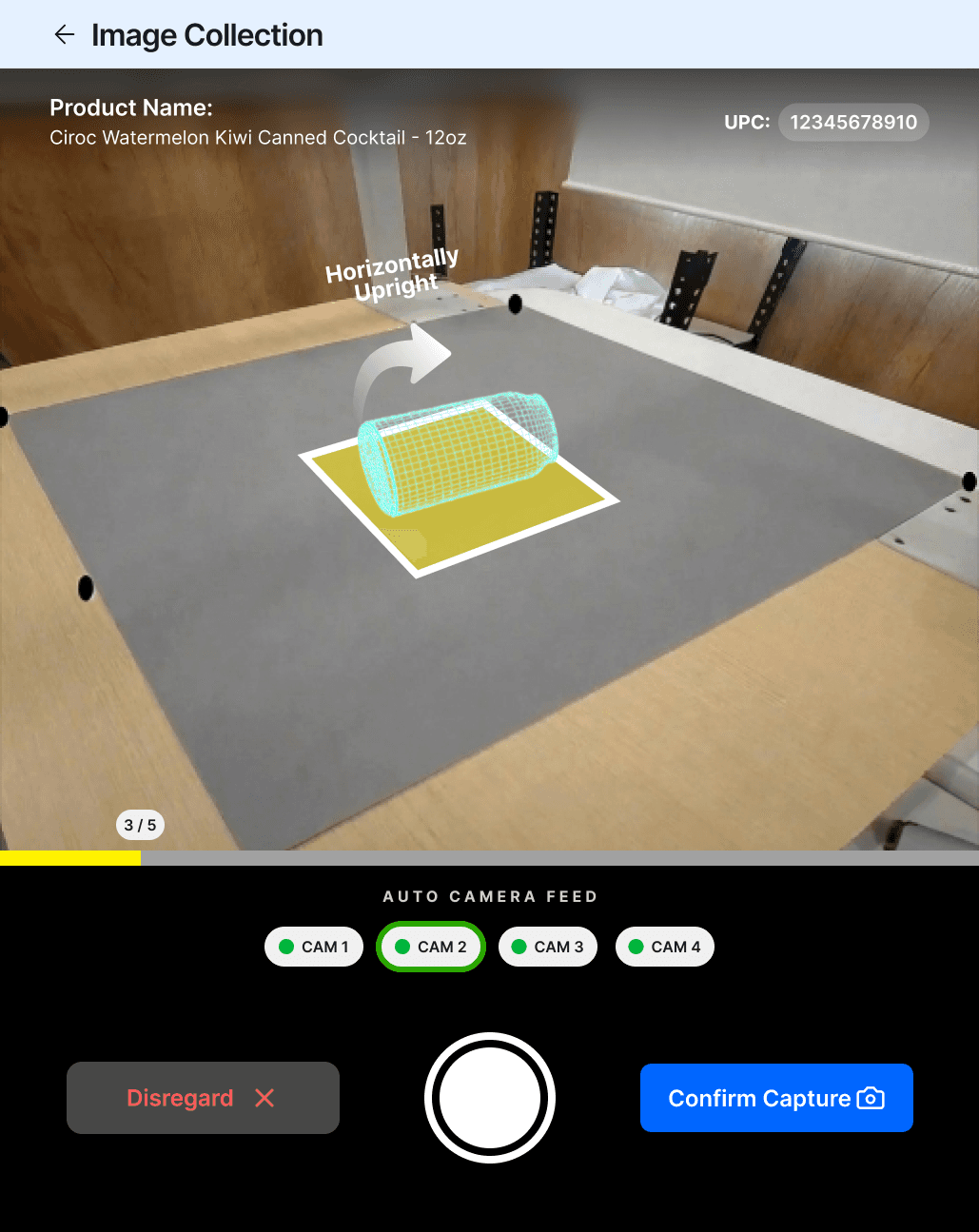
Capture Confirmation (Ready to Submit)
Ready to capture. Confirm the selected shape to initiate guided image capture for training.
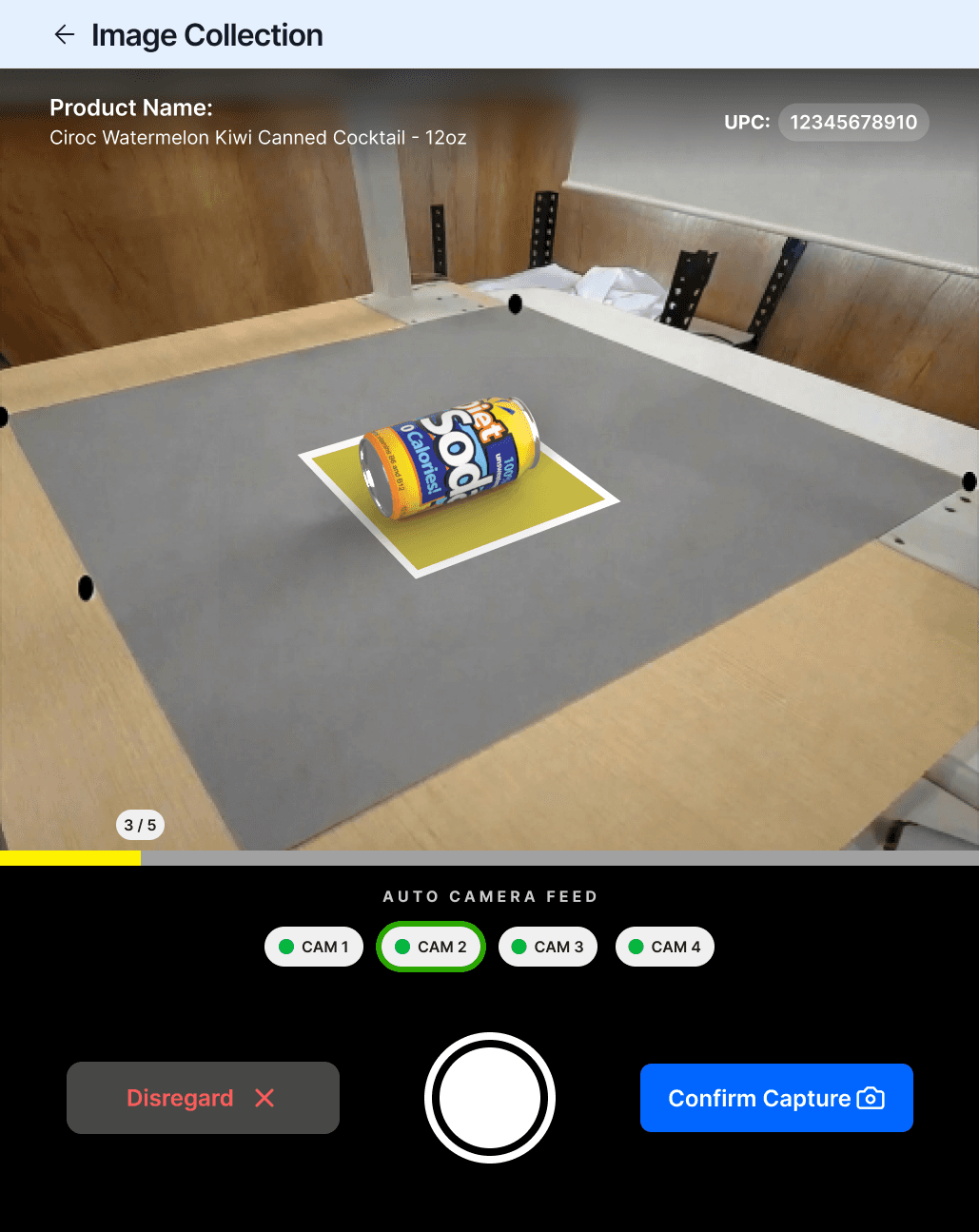
Submission State (Training Trigger)
From images to intelligence. Submit the captured set to initiate on-site model training.
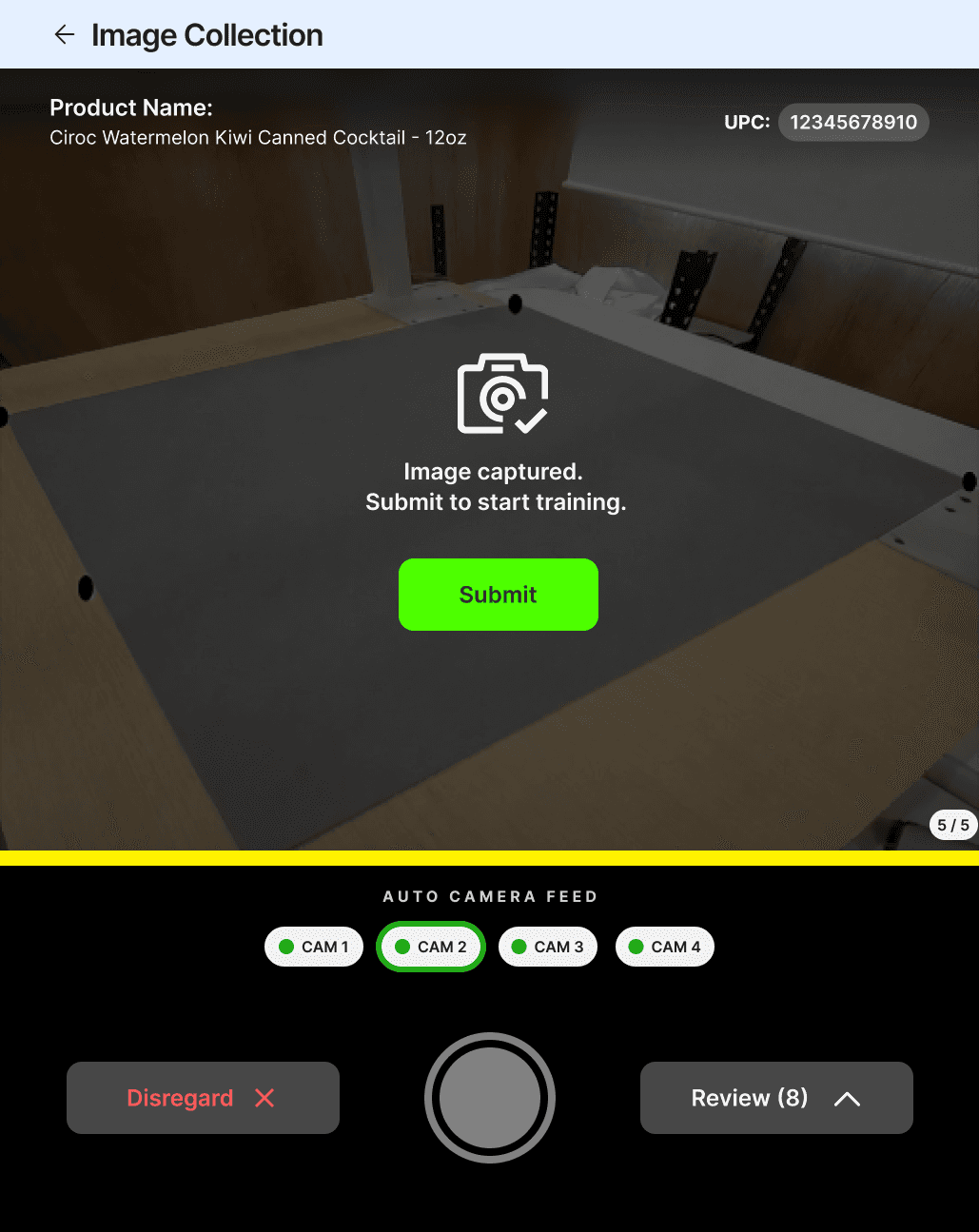
Validate captured images against the guide to ensure consistent training data.
Review (Image Validation)
Validate before training. Review captured images to ensure quality, consistency, and completeness.
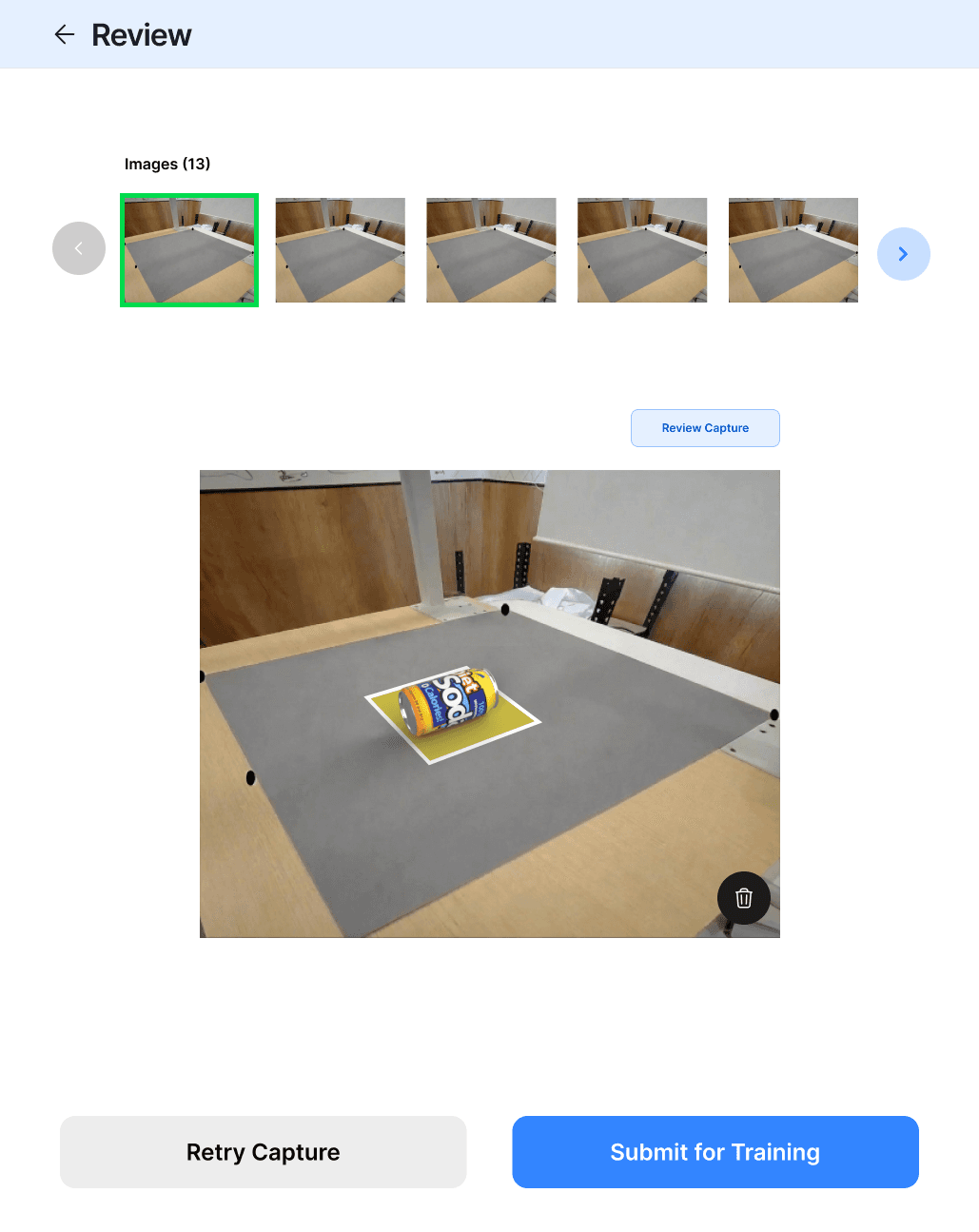
Review Action (Decision Point)
Refine or proceed. Retry captures if needed or submit the final set for training.
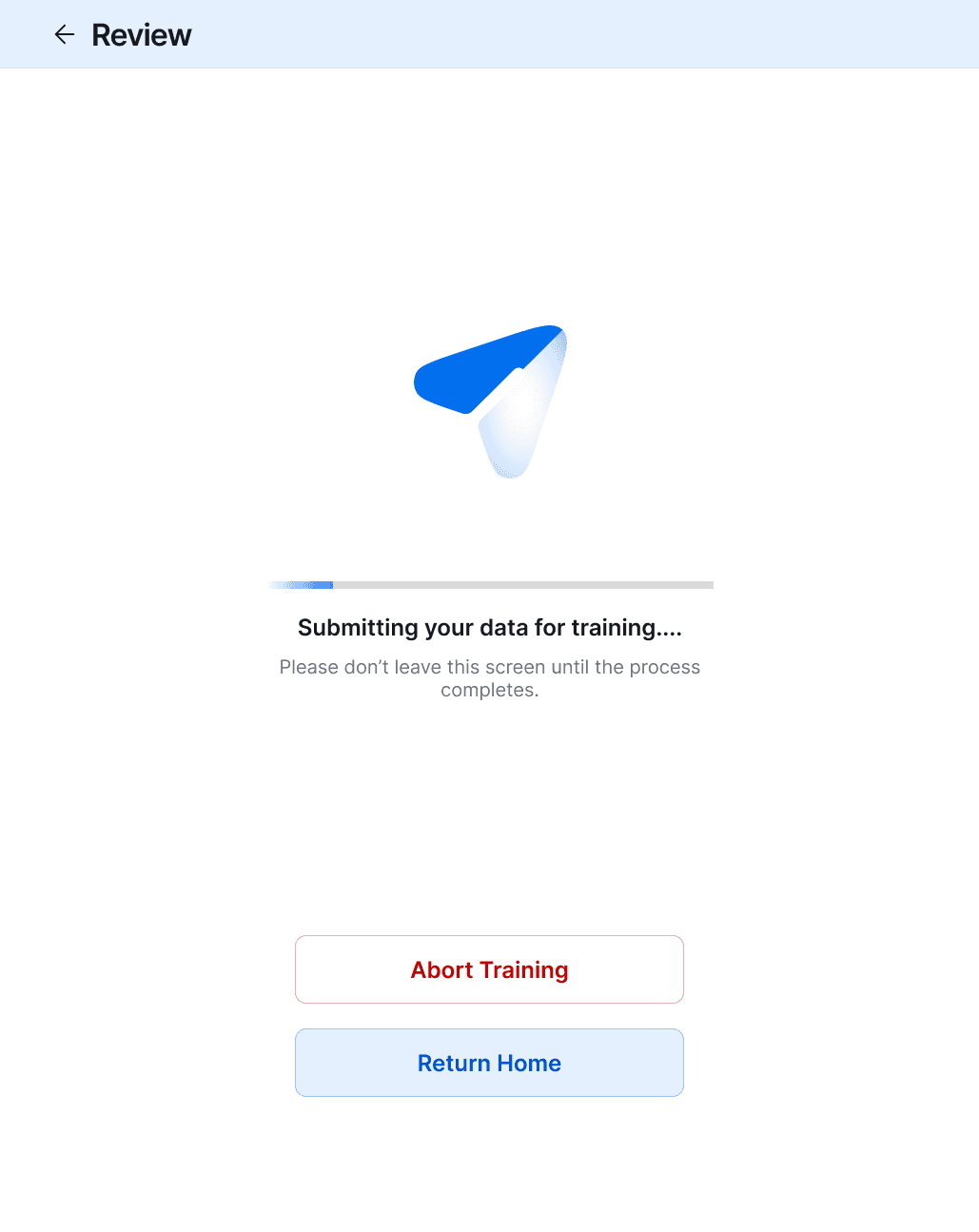
Training in Progress (System State)
Processing in motion. Captured data is being transformed into a trained model—do not interrupt.
Submission Success (Completion State)
Training initiated successfully. Data is submitted and ready to power real-time product recognition.

IMPACT ANALYTICS
Quick SKU reduced onboarding from hours to < 3 minutes, enabling 15–20 SKUs per session while cutting offline dataset dependency by up to 80%.
This led to fewer unknown item interruptions and smoother checkout during peak hours.
Why this works in the real world ?
Operational Reality
QuickSKU operates in non-controlled retail conditions where lighting, surfaces, and human behavior vary constantly. The system balances guidance and flexibility, ensuring consistent data capture without slowing down store operations.
Trade Offs
Fewer captures → faster flow
Speed vs Data Quality
Trade-off: Slightly imperfect data for real-world speed
Auto capture removed steps
Automation vs Control
Trade-off: Added manual confirm to avoid bad data
Multi-camera = better precision
Accuracy vs Simplicity
Trade-off: Single camera for ease and stability
Free placement creates noise
Flexibility vs Consistency
Trade-off: Guided placement for reliable training
Instant validation slows users
Real-time Feedback vs Flow
Trade-off: Review step instead of interruptions
Challenges
(REAL ONES — NOT GENERIC)
Real-world conditions are unpredictable—lighting shifts, surfaces vary, and users are inconsistent. The system had to deliver reliable training data while keeping the experience fast and operationally efficient.
Below are the challenges.
Non-Uniform Environments
Different lighting, surfaces, and reflections required adaptive calibration for consistent capture.
Human Inconsistency
Incorrect placement and skipped steps led to visual AR guidance over instructions.
Training Sensitivity
Low-quality images directly impacted accuracy, handled via review and retry before submission.
Hardware Variability
Different camera setups introduced distortion, solved through per-device calibration.
Speed Under Pressure
Cashiers operate under time constraints, optimized with a fast, sub-40s capture flow.
CONCLUSION & TAKEAWAYS
We deliberately accepted slightly imperfect training data to ensure the system could be used in under 30 seconds during peak store operations.
We accepted imperfect data—so the system stays fast when it matters most.